



In data visualization, the size and shape of the canvas that’s available is always a key factor. It’s a topic I’ve addressed in another recent article with a chart I call the Crystal Bar Chart that uses a two-axis approach as a means to conserve space.
In this article, I’ll explore an axis-free approach I’ve developed to visualize a set of values as squares and conserve space by packing a container in the form of a convex or simple concave polygon. I’ve also done my best to fill up this exploration with code, so I hope it can serve as a fun tutorial for some other kinds of techniques and visualizations that might be useful.
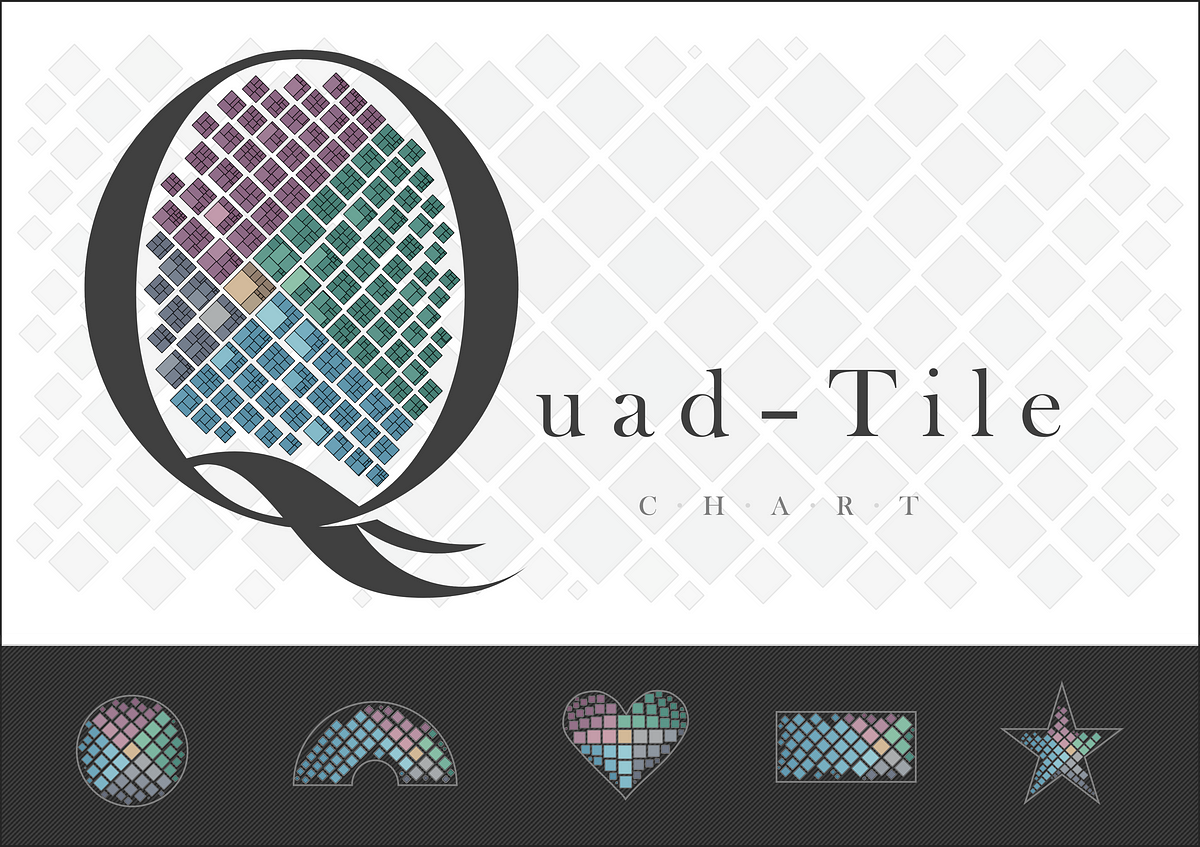
The goal to accomplish by the end of this article will be to consider standard and unconventional container shapes (as shown below) and present a set of values as similar shapes within them in a way that optimizes the available space, offers intuitive size comparisons, and squarifies your data!

Before we get into the new axis-free approach, let’s reflect on some existing axis-based and axis-free methods to see if we can find a good competitor to measure results against. For example data, I’ll leverage some information from Wikipedia that represents the top 20 fastest animal speeds¹.
Axis-Based Data Series Visualization
Given a y-axis to represent an item’s value, it’s hard to compete with a sorted bar chart. Let’s plot that first, followed by a couple more axis-based charts using my vizmath package.
Bar Chart
# https://en.wikipedia.org/wiki/Fastest_animals (as of 1/26/2024)
# 20 fastest animals (top speed, mph)data = {…