

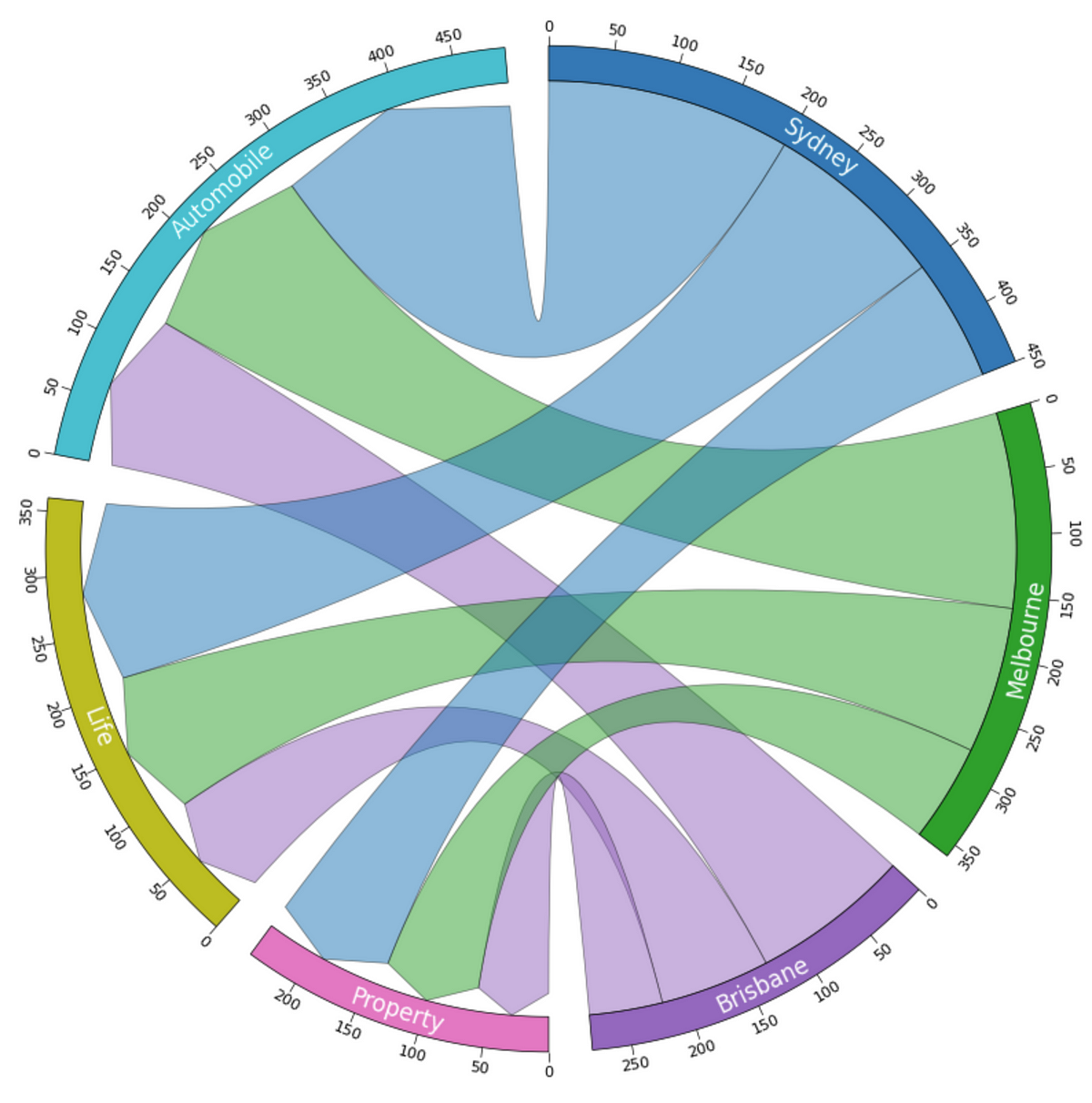


In my previous article, I have introduced the Python library called PyCirclize. It can help us to generate very nice Circos Charts (or Chord Charts if you like) with very little effort. If you want to know how it can make the Data Visualisation well- “Rounded”, please don’t miss out.
However, don’t worry if you are only interested in the Chord Charts with Links. This article will make sure you understand how to draw this type of chart.
Before we start, just make sure to use pip for installing the library as follows. Then, we are all good to go. Let’s explore this fancy chart together!
pip install pycirclize

As usual, let’s start with something abstract but easy to follow. The purpose is to show you what the chart looks like and what’s the basic way of plotting it. Let me put the full code and the diagram at the beginning.
from pycirclize import Circossectors = "A": 100, "B": 200, "C": 150
sector_colors = "A": "red", "B": "blue", "C": "green"
circos = Circos(sectors, space=5)
for sector in circos.sectors:
track = sector.add_track((95, 100))
track.axis(fc=sector_colors[sector.name])
track.text("Sector " + sector.name, color="white", size=12)
track.xticks_by_interval(10)
circos.link(("A", 0, 20), ("B", 50, 70))
circos.link(("A", 20, 40), ("C", 30, 50))
circos.link(("B", 80, 100), ("A", 40, 60))
circos.link(("C", 100, 120), ("B", 150, 170))
fig = circos.plotfig()