

QUICK SUCCESS DATA SCIENCE


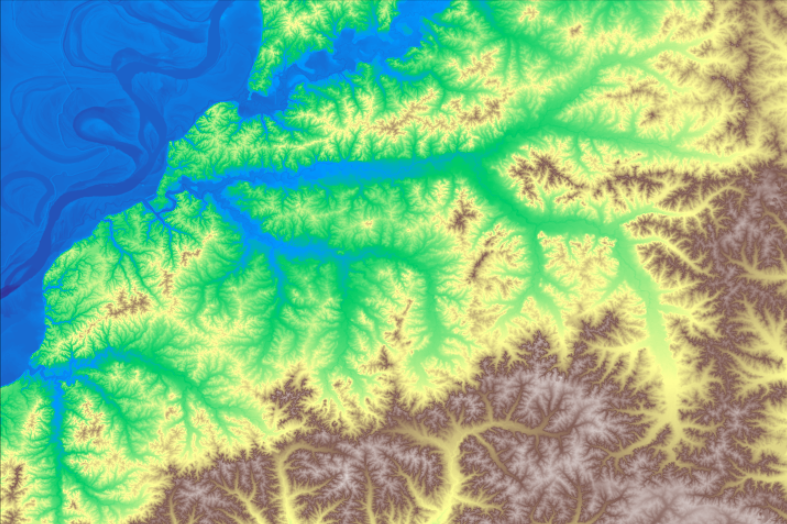
A Digital Elevation Model (DEM) is a 3D digital representation of the earth’s surface. It records the height above sea level for various points, which may be measured using traditional surveying techniques, LIDAR, satellite imagery, aerial photography, or GPS measurements. DEMs are usually stored in raster format, where each pixel has an elevation value.
DEMs are essential tools in fields that use the physical landscape for planning and decision-making. Example uses include topographic mapping, hydrological modeling, urban planning, environmental studies, and creating realistic terrain models for virtual reality, gaming, and simulations.
The United States Geological Survey (USGS) provides free DEMs downloadable from the National Map Downloader. These are seamless raster files called DEM TIFFs or GeoTIFFs. While similar to standard photographic TIFFs, these files contain embedded geospatial metadata.
In this Quick Success Data Science project, we’ll prepare a DEM TIFF for a selected geographical area. This won’t be as easy as downloading a file from a website. The existing USGS files will rarely coincide with the area of…